Loading johnnynguyen.cloud portal
Microsoft Azure · initializing blades

Virtual networks

Net+ Visual Lab · v0.1

A mini Packet Tracer I built while studying for CompTIA Network+. Drop devices on a canvas, cable them into networks, and ping. A glowing packet walks the path while the event log explains what every switch, router, and firewall is doing.

The actual lab, running live. Click anywhere to open it full size and start cabling.

Why it exists

Cisco Packet Tracer teaches real networking but looks like 2004. While studying for Network+ I wanted a simulator I'd actually want to open, so I built one. Every click maps to an exam topic. Subnets, default gateways, Layer 2 vs Layer 3, and firewall rules aren't flashcards here. You watch them happen.

It runs on the same React + TypeScript stack as this portal, and the whole canvas is hand-rolled SVG. No diagram library.
What you can do

  • Place and drag laptops, PCs, servers, switches, routers, and firewalls
  • Cable devices together with real rules: hosts get one NIC, so you fan out with a switch
  • Subnet bubbles draw live around each Layer 2 segment with auto-assigned /24s
  • Ping between devices and watch the packet animate hop by hop
  • An event log narrates every hop: ARP, MAC-table lookups, gateway decisions, TTL
  • Flip a firewall to block ICMP and watch the ping die mid-path
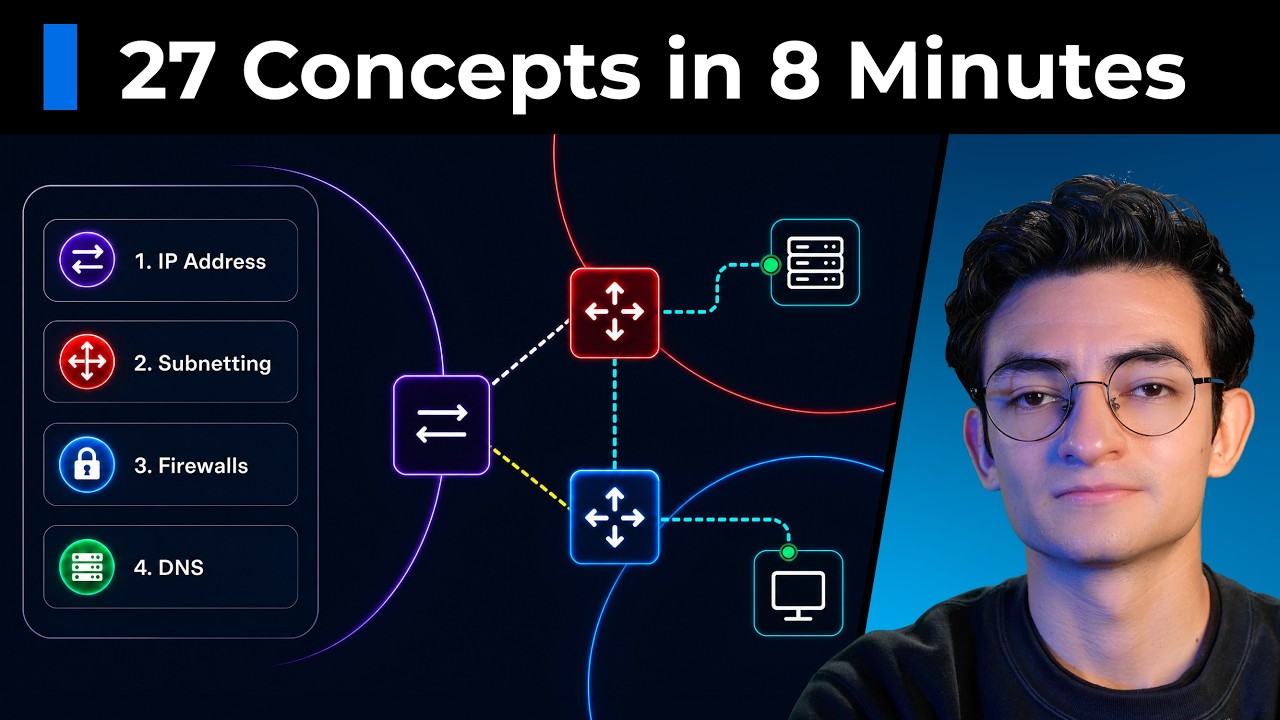
Every Networking Concept Explained video thumbnail from Tech With Diego

The inspiration

The visual style comes from “Every Networking Concept Explained | Networking 101” by Tech With Diego, a senior DevOps engineer who built a custom animation app and explained the whole networking stack in 8 minutes. Watch the original. It's the best networking overview I've found on YouTube.